 Shrinkwise
Smaller files.
Lower cloud costs.
Shrinkwise makes smaller copies of your photos and videos, ready for OneDrive, SharePoint, Dropbox or Google Drive. Typically 70-80% smaller, and your originals are never changed.
Free for Windows 10 and 11. We'll email you once, when it's available.
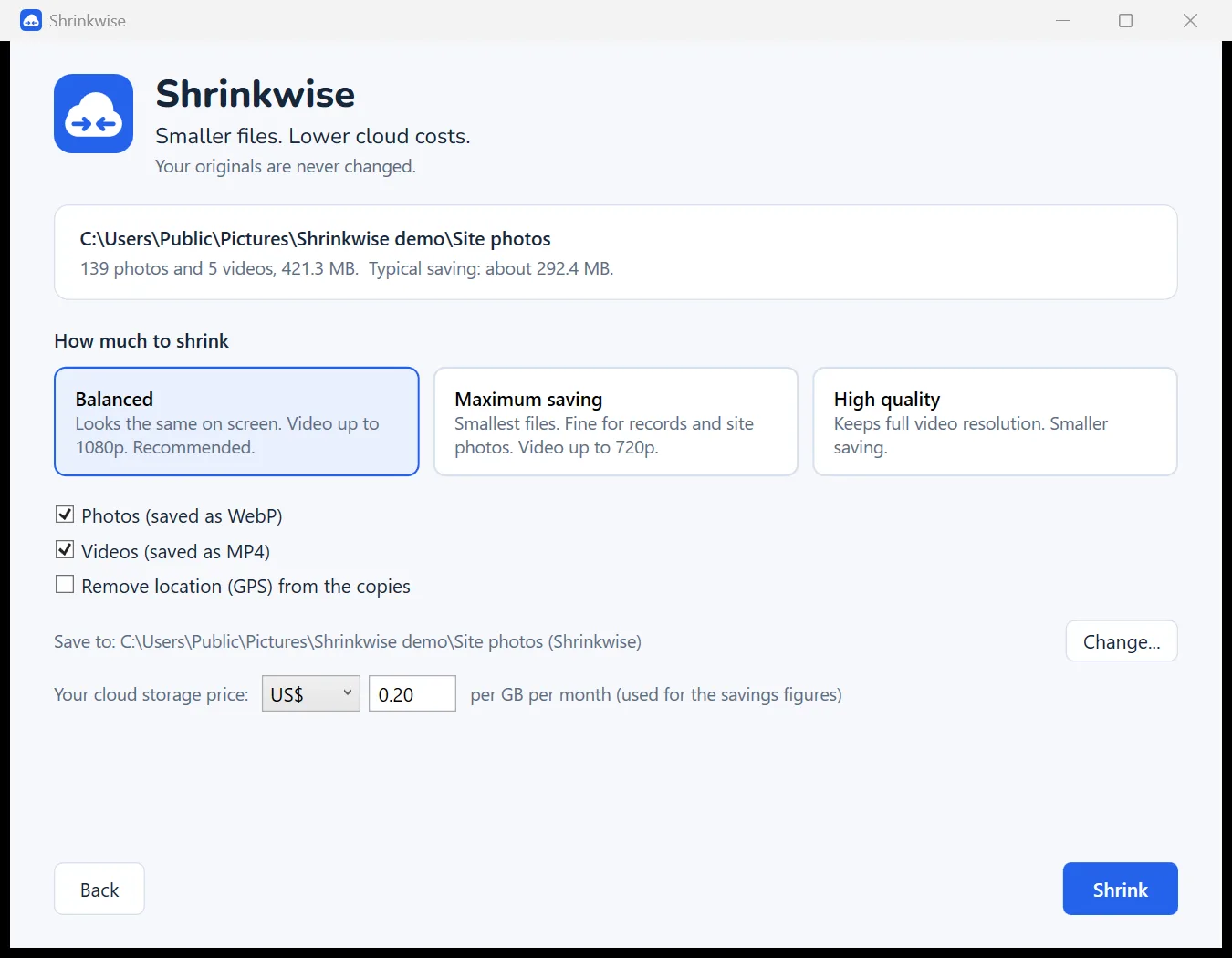
How it works
Three steps, no settings to learn.
Pick a folder
Drop a folder on Shrinkwise, or right-click it in File Explorer and choose "Shrink with Shrinkwise".
Choose how much
Balanced looks the same on screen. Maximum saving is ideal for records and site photos.
Upload the copies
Smaller copies land in a new folder beside the original, with the same folder structure, ready to upload.
Built for businesses on cloud storage
Phone photos and video are the biggest thing filling most OneDrive and SharePoint plans.
Photos to WebP
Modern format that SharePoint, OneDrive, Google Drive and every current browser show natively.
Videos to MP4
H.264 plays everywhere. 4K phone video is scaled to 1080p, using your PC's graphics hardware.
Keeps the details
Date taken, location and camera are carried across. Photos are turned the right way up. Location can be removed.
iPhone friendly
Reads iPhone HEIC photos and iPhone video, so nobody has to change phone settings.
Safe to re-run
Files already done are skipped, so point it at the same folder every month. Stopping is always safe.
Private by design
Everything happens on your PC. No accounts, no uploads, no tracking.
What could you save?
A rough guide based on typical results. Use your own storage price for a better figure.
Assumes photos shrink about 75% and phone video about 50%. The app shows your real figures after each run.
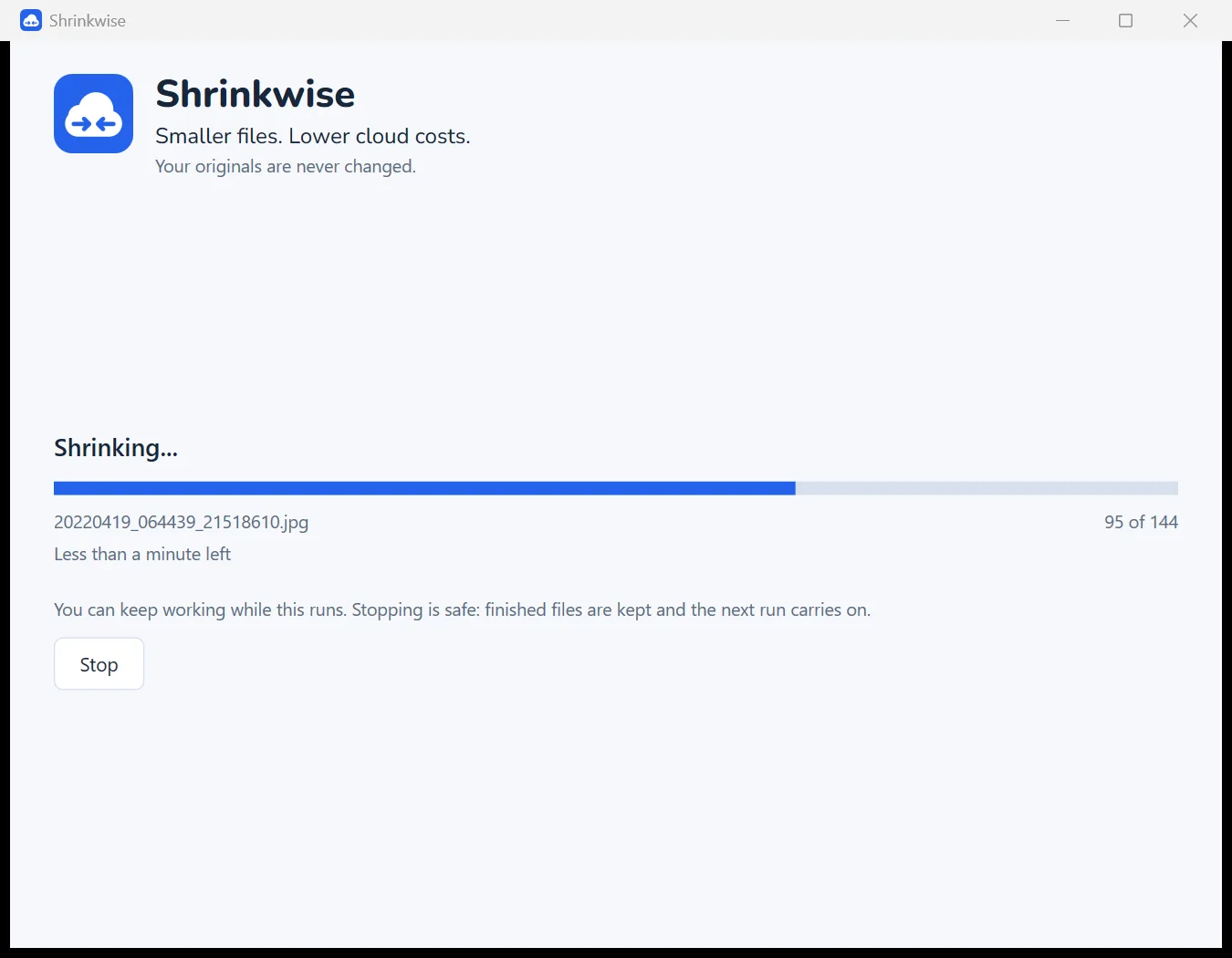
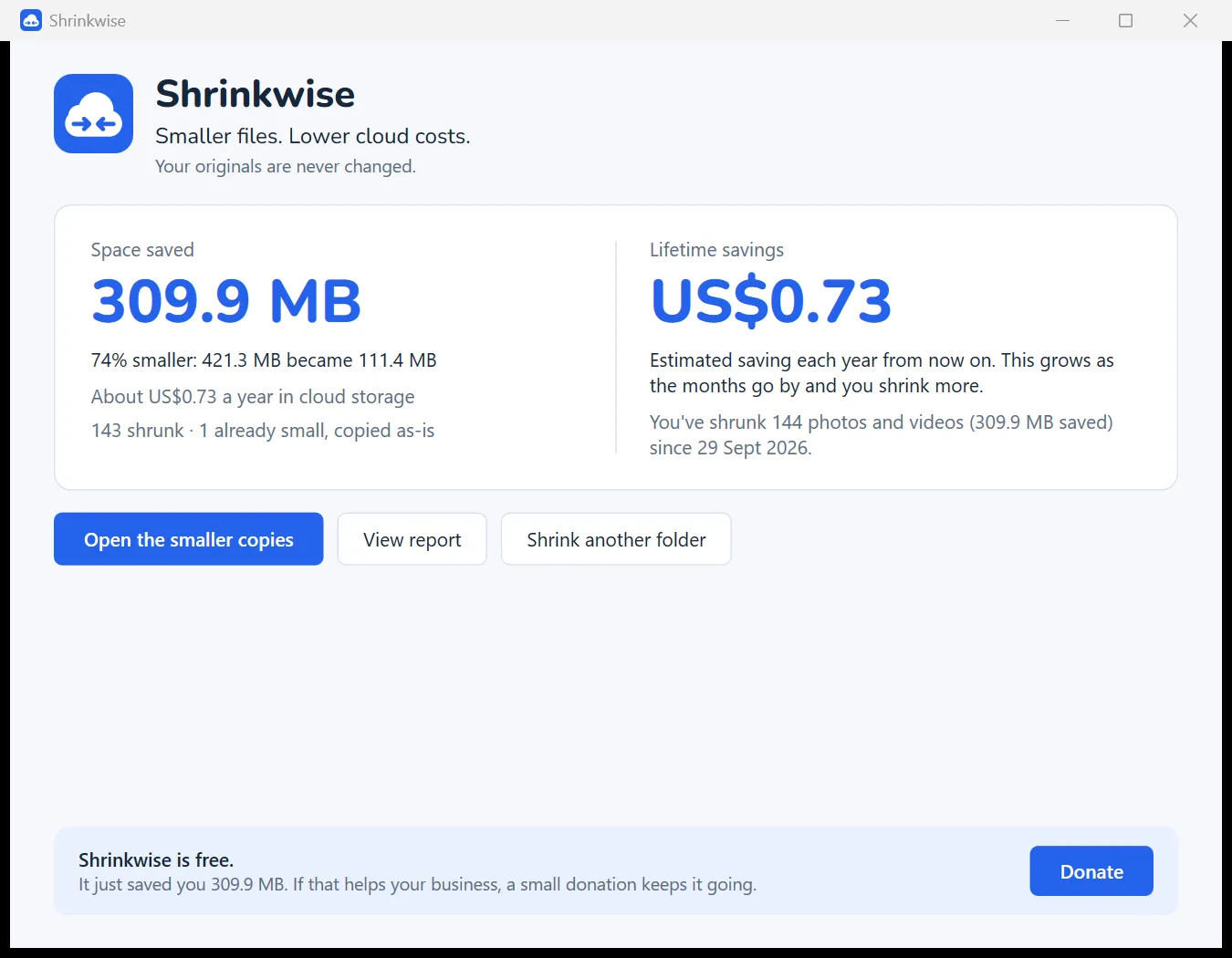
See it in action
Shrinkwise keeps a running total, so you can see what it is saving your business over time.
Free. Pay what you want.
Shrinkwise will be fully featured with no limits, trials or ads. If it saves your business money, you'll be able to contribute to keep it maintained and improving.
Questions
Will it change or delete my photos?
No. Shrinkwise only reads your originals and writes smaller copies to a new folder. Deleting originals is always your decision.
Will the photos look worse?
On the Balanced setting, not on screen. It is the same approach large websites use to serve images. For print or archive masters, keep the originals or use High quality.
Can SharePoint and OneDrive show WebP?
Yes. SharePoint, OneDrive, Google Drive, Dropbox, Windows Photos and every current browser show WebP. Some older desktop software may not open it.
My iPhone photos are HEIC. Does that work?
Yes. If Windows needs Microsoft's free HEIF and HEVC add-ons to read them, Shrinkwise tells you and links straight to them.
Does anything get uploaded?
No. Shrinkwise works entirely on your PC and never sends your files or usage anywhere. See the privacy policy.
Is there a Mac version?
Not yet. Shrinkwise is for Windows 10 and 11 for now.